Maps & Layouts
To make finding things easier, Skapersøk allows a crate to visually describe the location of items inside it.
There are two primary ways child crates can be arranged: Free Layout (using a map image) and Grid Layout (using a generated grid).
Free Layout (with map image)
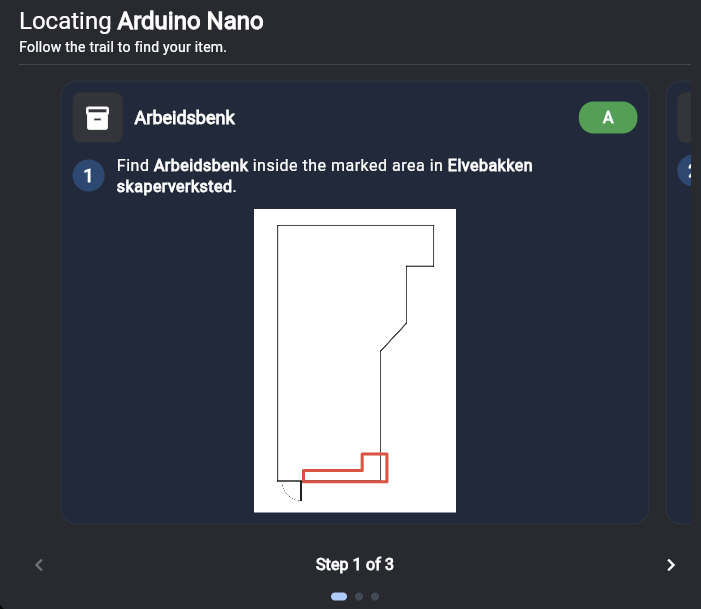
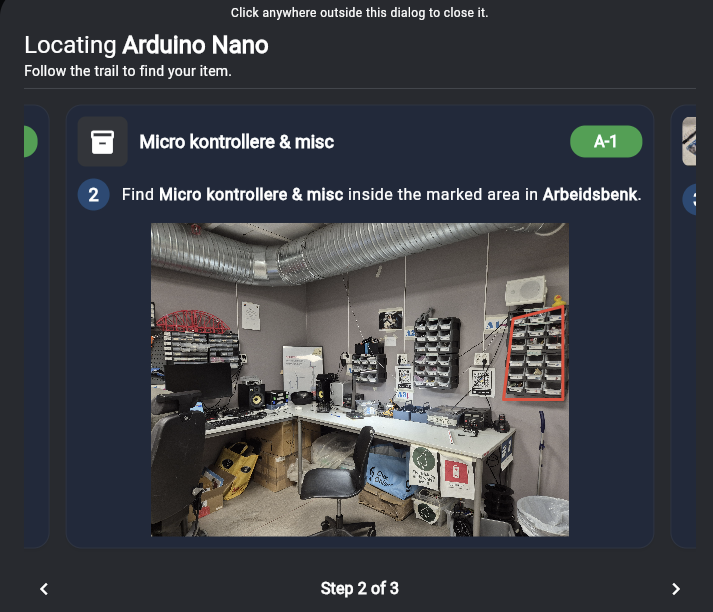
Use the free layout when items are scattered or positioned freely, rather than in a strict row-and-column pattern.
To use the free layout, you upload a Map Image for a crate (like a photo of an open box or a floor plan). You can then draw arbitrary shapes or points on the map image to mark exactly where each child crate is located.
Grid Layout (Rows and Columns)
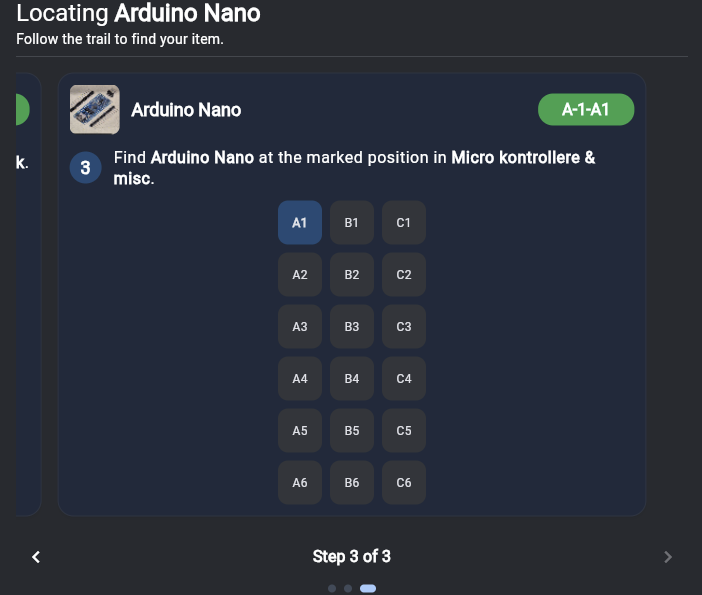
Use the grid layout when children are placed in a regular row-and-column pattern (for example, a cabinet with a 3x3 grid of drawers, or a box with a 4x5 grid of compartments).
Note: The grid layout does not use a map image. Instead, the system automatically generates a grid interface based on the dimensions you provide.
When a crate uses grid layout, you simply specify the number of rows and columns. Child crates can then be assigned a specific row and column number.