Deleting a Crate
You can delete crates from the Browse page.
[!CAUTION] Deleting a crate permanently deletes all crates inside it as well. This action cannot be undone. Always double-check what is inside a crate before deleting it.
Deleting a single crate
To delete a single crate, click the three dots to the right of the crate and select Delete from the menu.

Deleting multiple crates
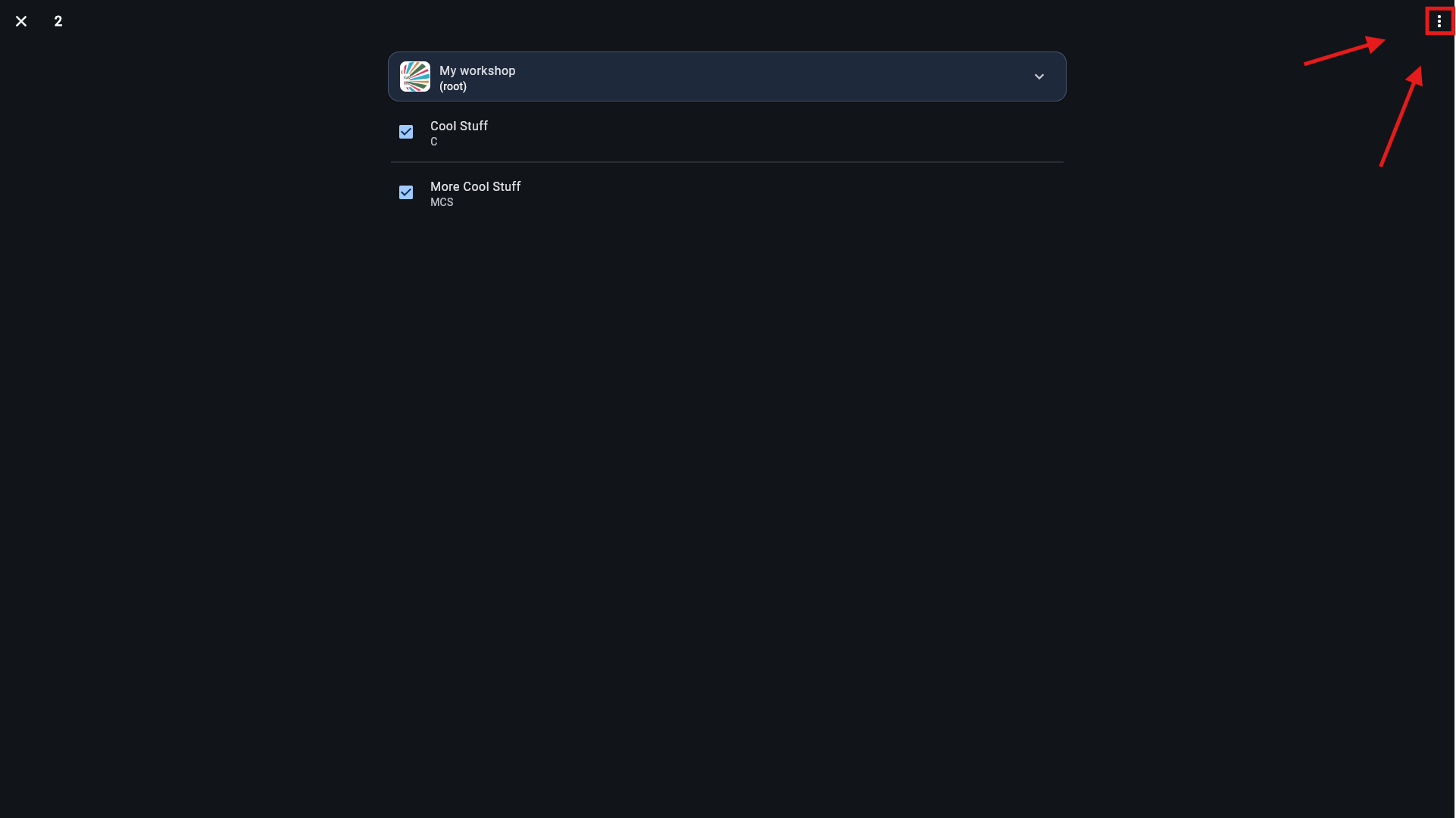
To delete multiple crates at once: 1. Long-press (or click and hold) the first crate you want to delete to select it. 2. Tap the other crates you want to delete. 3. Click the three dots in the top-right corner of the screen and select Delete from the menu.