The Admin Panel
The admin panel is where you manage the server and its inventory (such as creating, editing, and deleting crates).
Accessing the Admin Panel
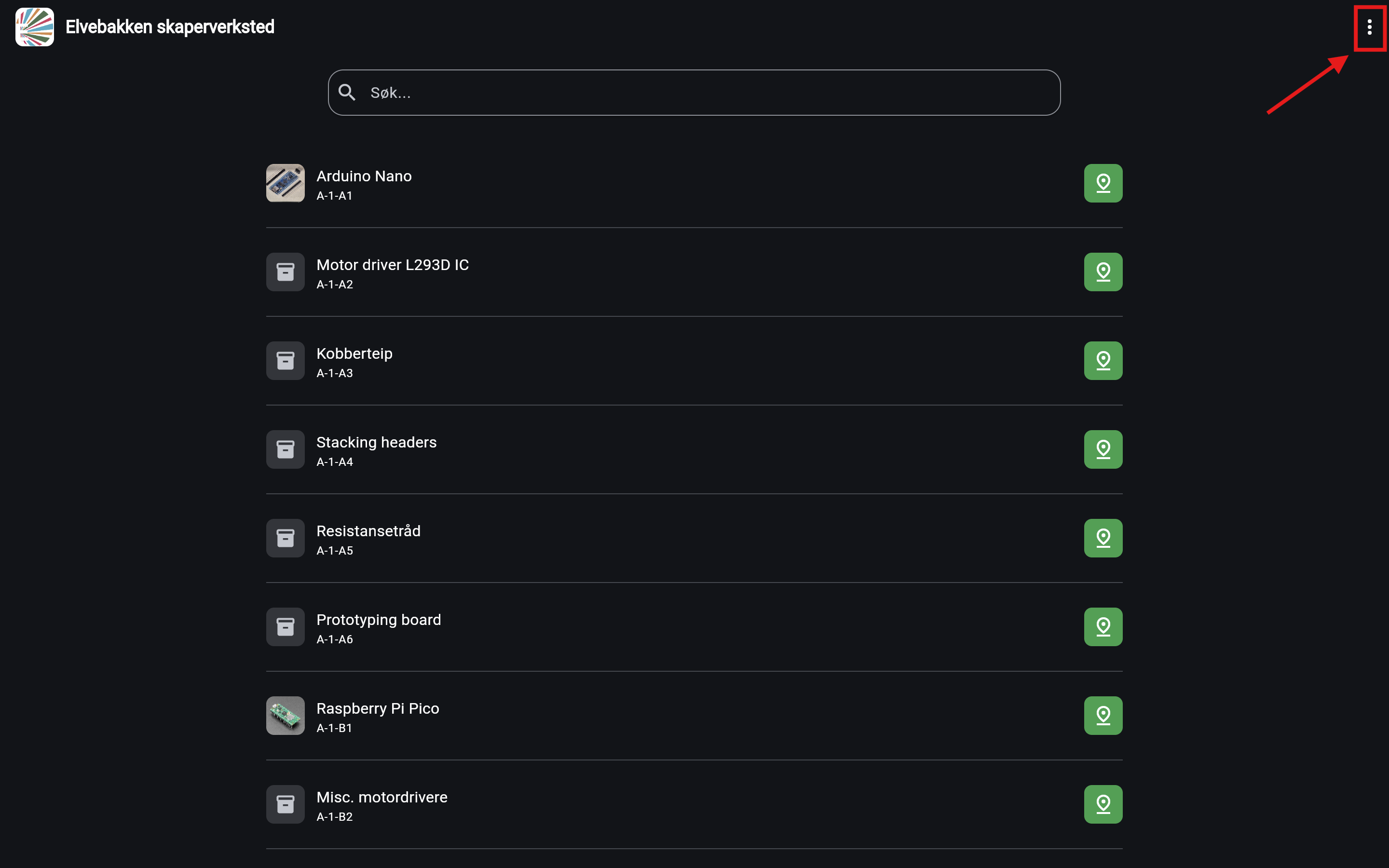
- On the search page, click the three dots in the top-right corner to open the menu.
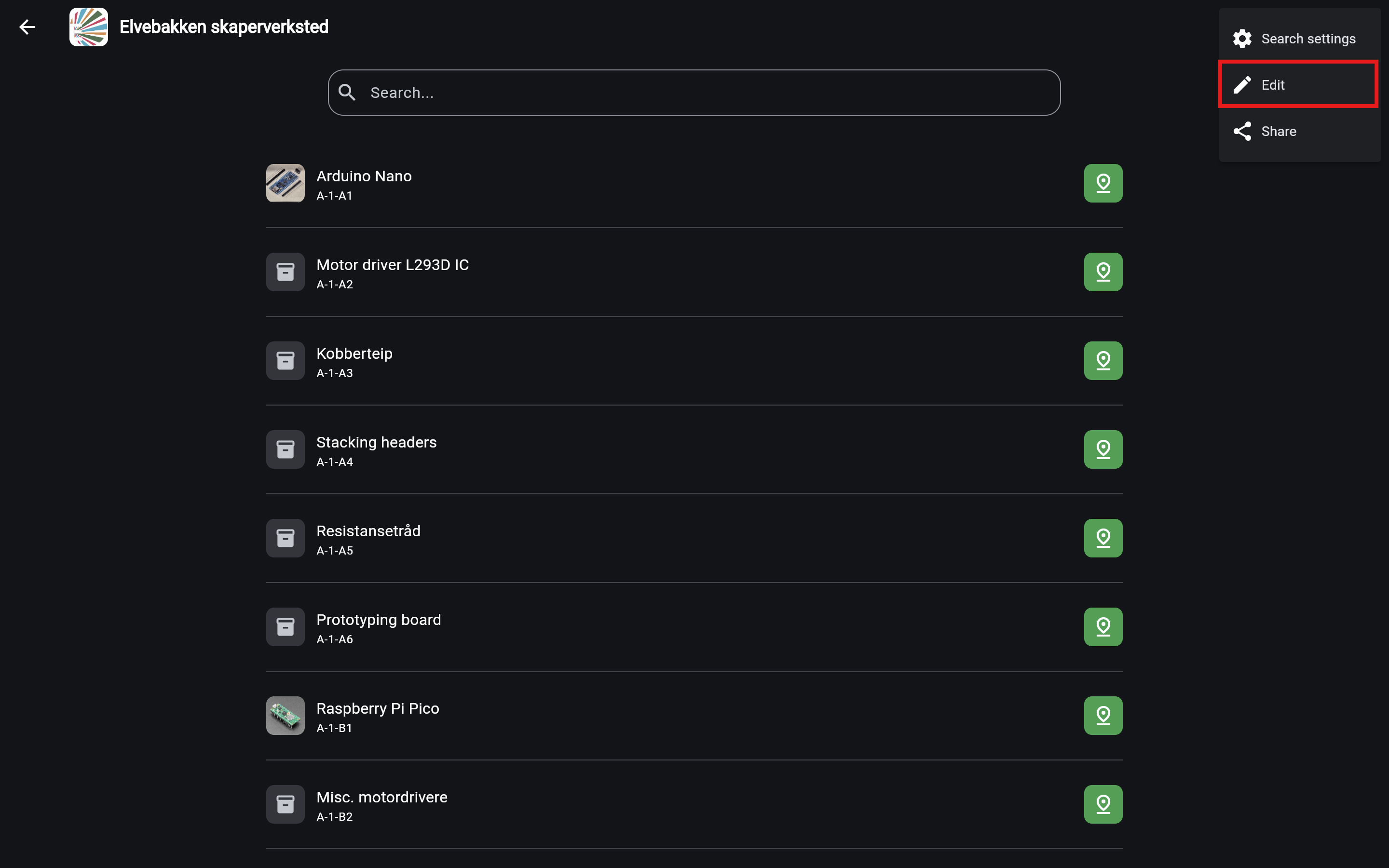
- Select Edit from the menu.
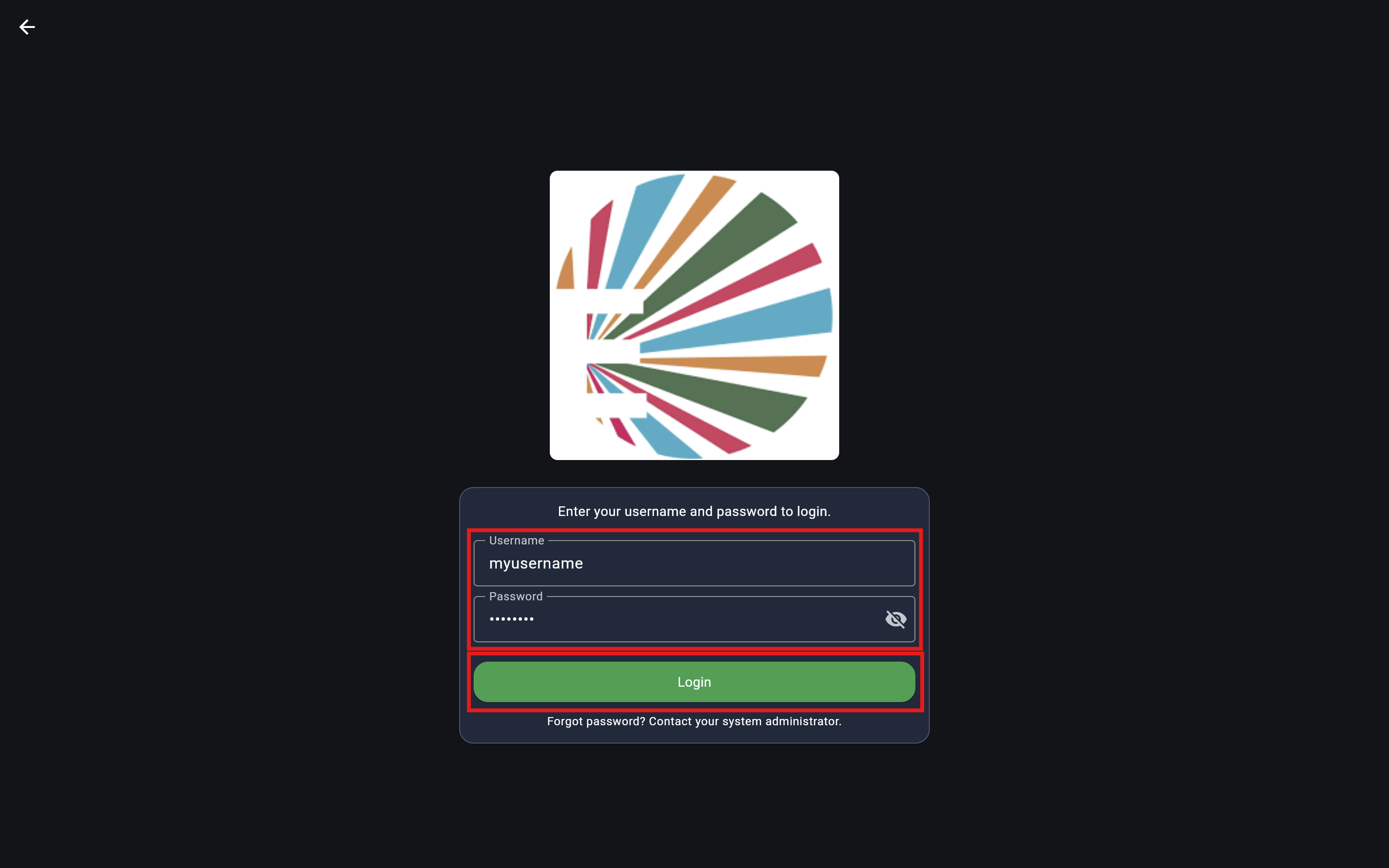
- Enter your admin credentials and click Login. (If you have not set up an admin user yet, one should have been created automatically. See the Server setup guide for details).
Using the Admin Panel
Once logged in, you will see the admin panel.
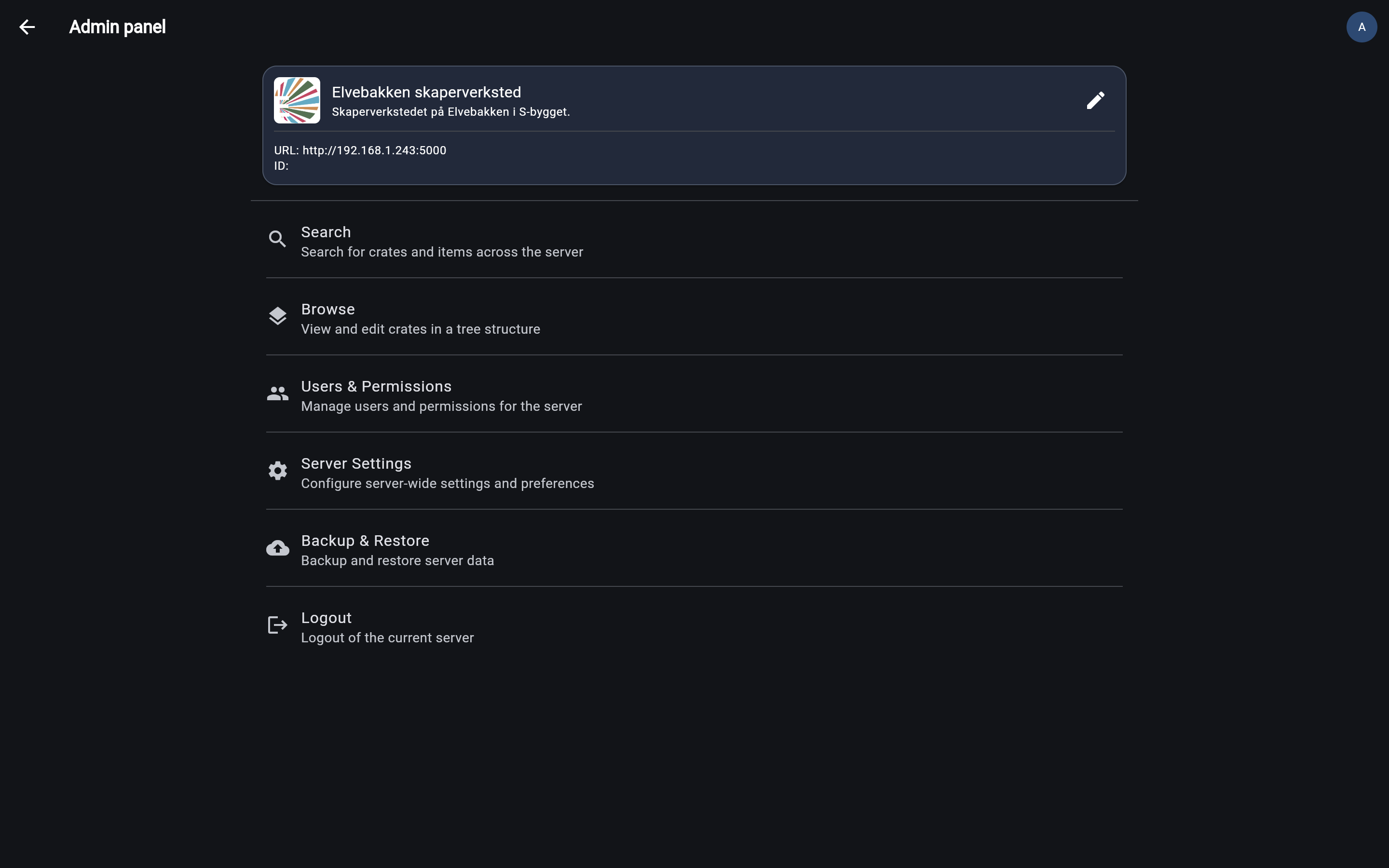
Get to know the admin panel, it is quite a powerful tool! Click a few of the buttons to see what they do 😊