The Browse Page
As explained in The Crate, Skapersøk organizes your inventory as a nested tree. The browse page lets you navigate through this tree exactly like a file explorer on your computer.
The browse page is also where you manage your crates.
Opening the browse page
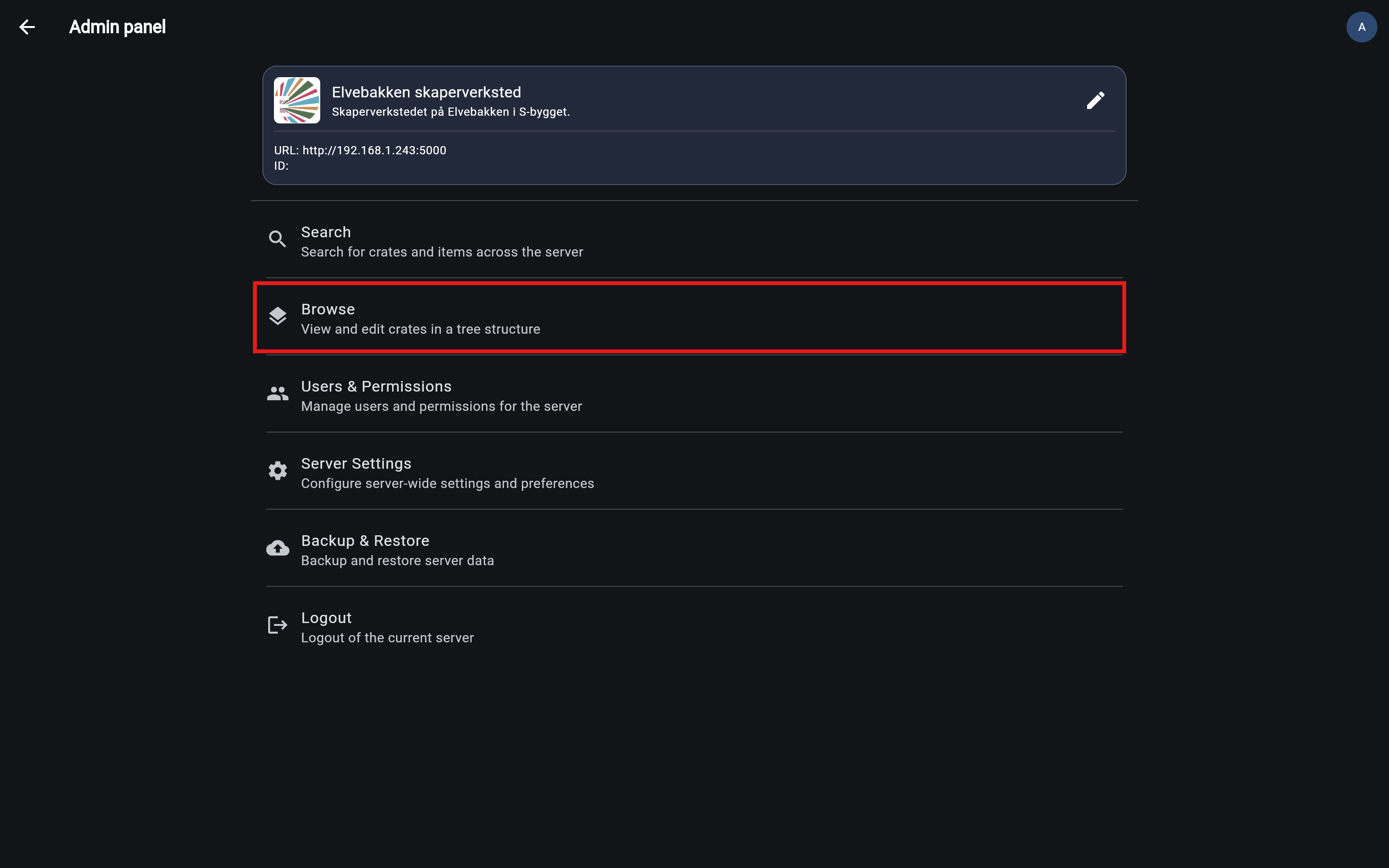
To open the browse page, click Browse in the admin panel.
What you can do
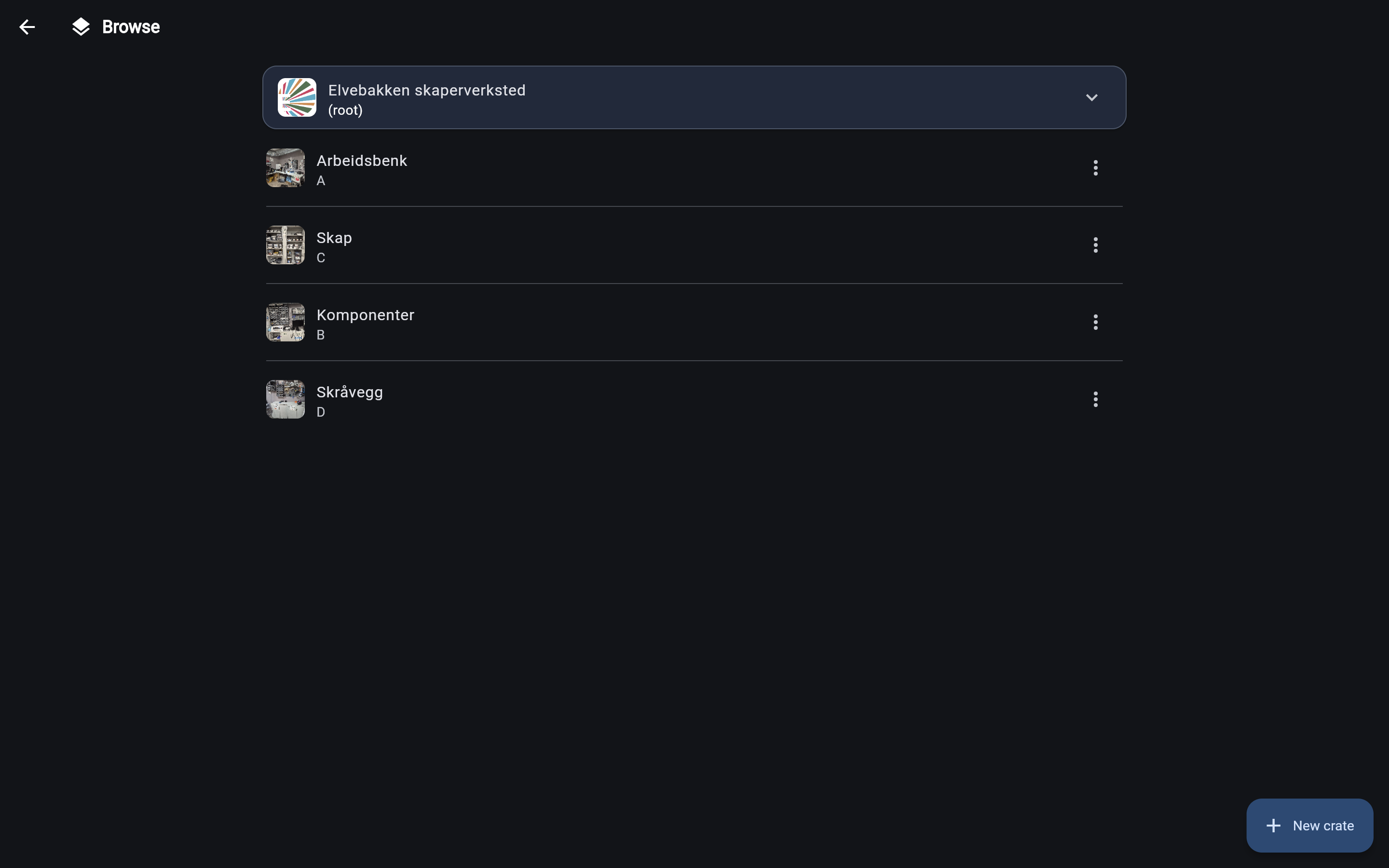
From the browse page, you can: - Navigate through your inventory - Create new crates - Edit existing crates - Delete crates - Generate printable labels
Understanding the page
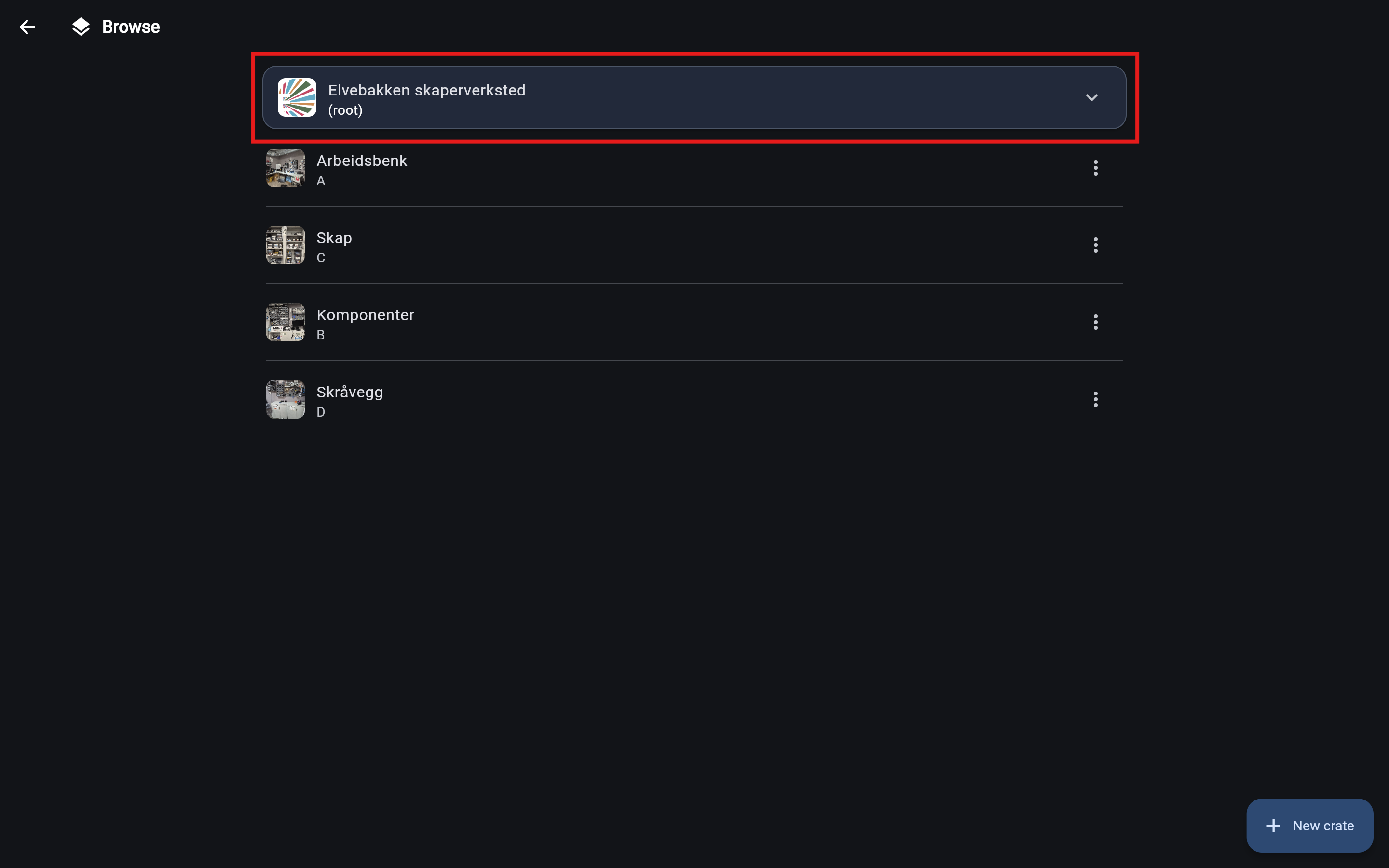
The path at the top shows your current location in the inventory.
When you navigate deeper into crates, the path expands to show each parent. In the example below, "Microkontrollere & misc" is inside "Arbeidsbenk".
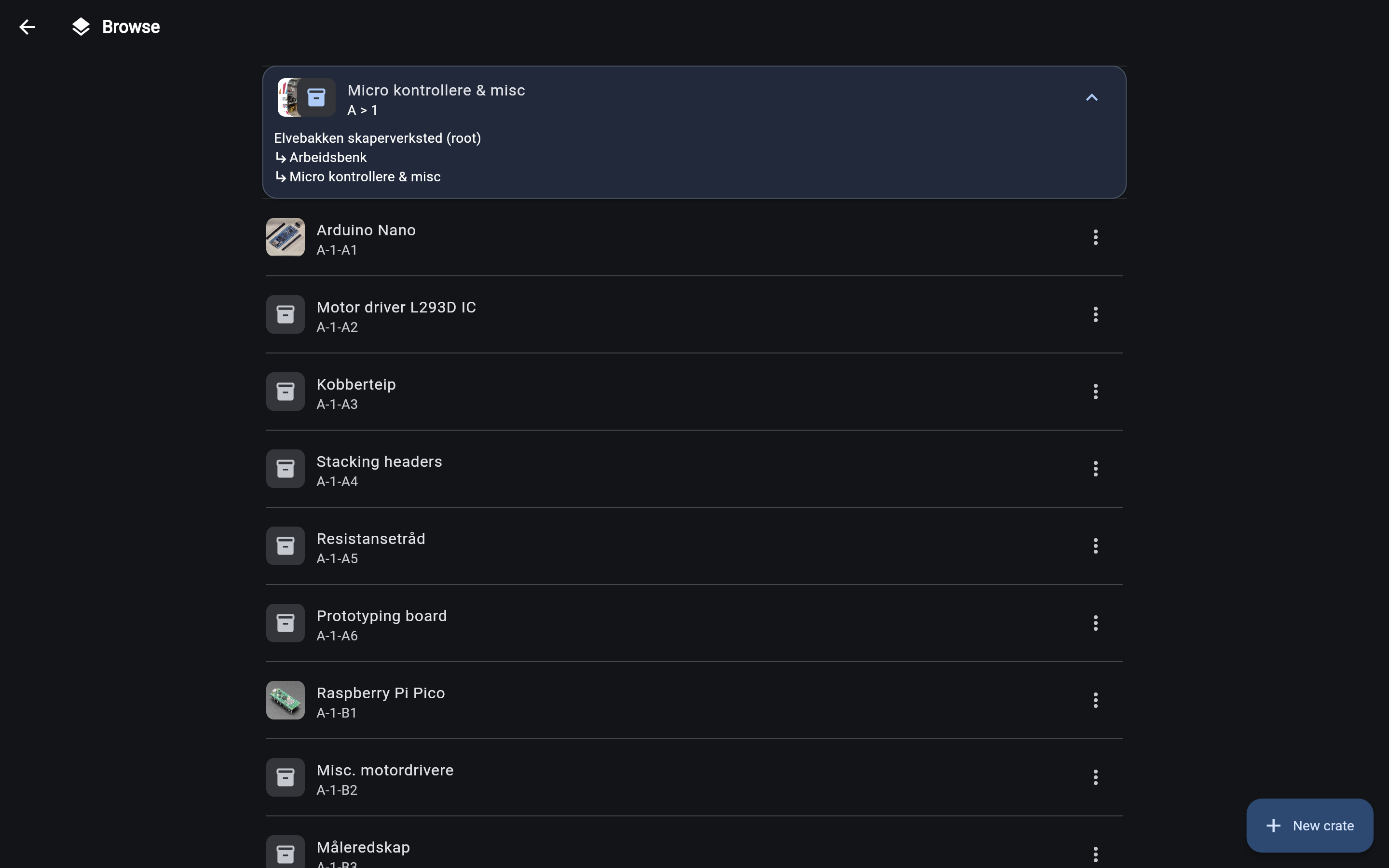
The main area of the page shows a list of all crates stored directly inside your current location.
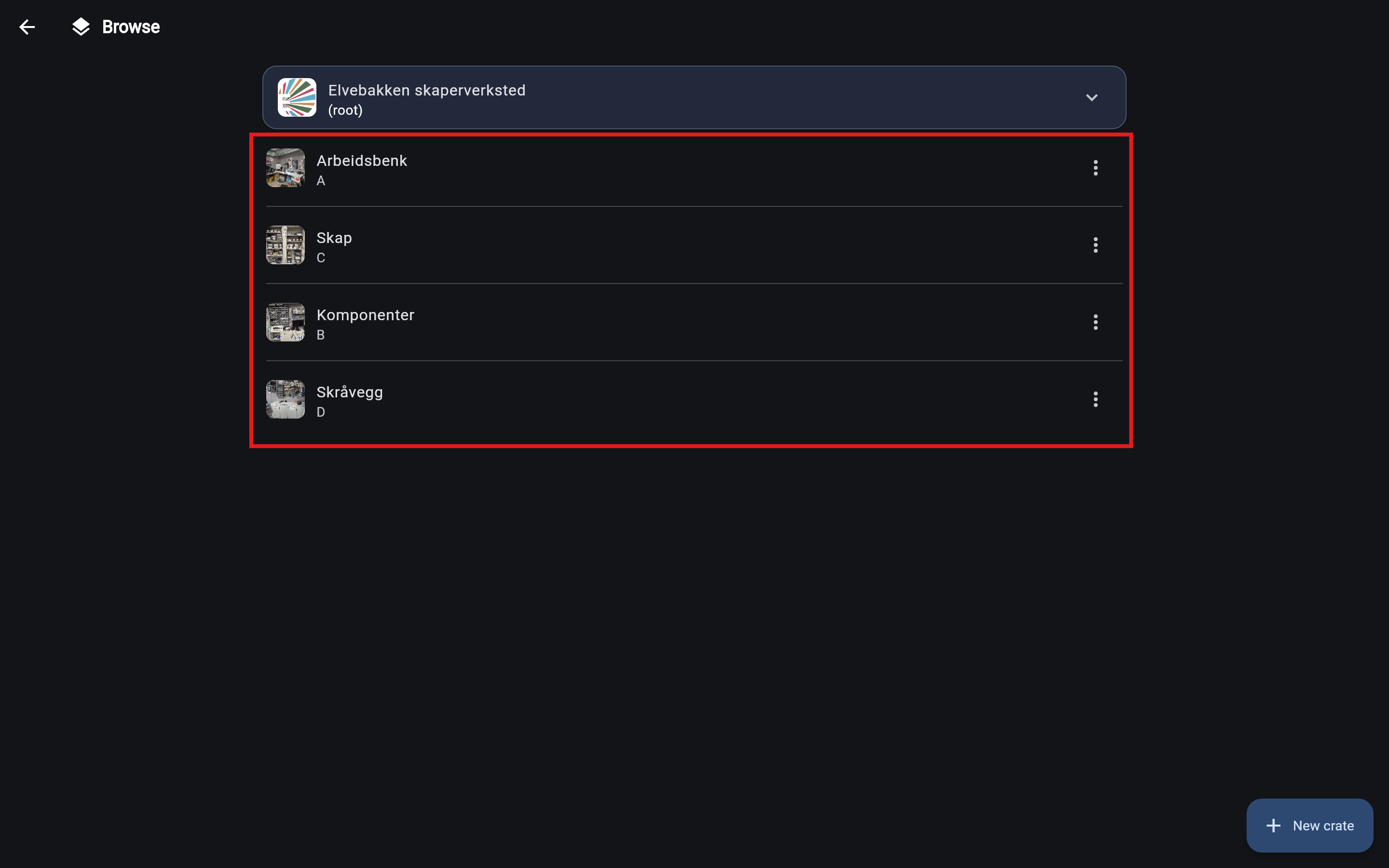
In the example above, we are at the root level, which contains four crates: "Arbeidsbenk", "Skap", "Komponenter", and "Skråvegg".
Next steps
See the dedicated guide for each action: