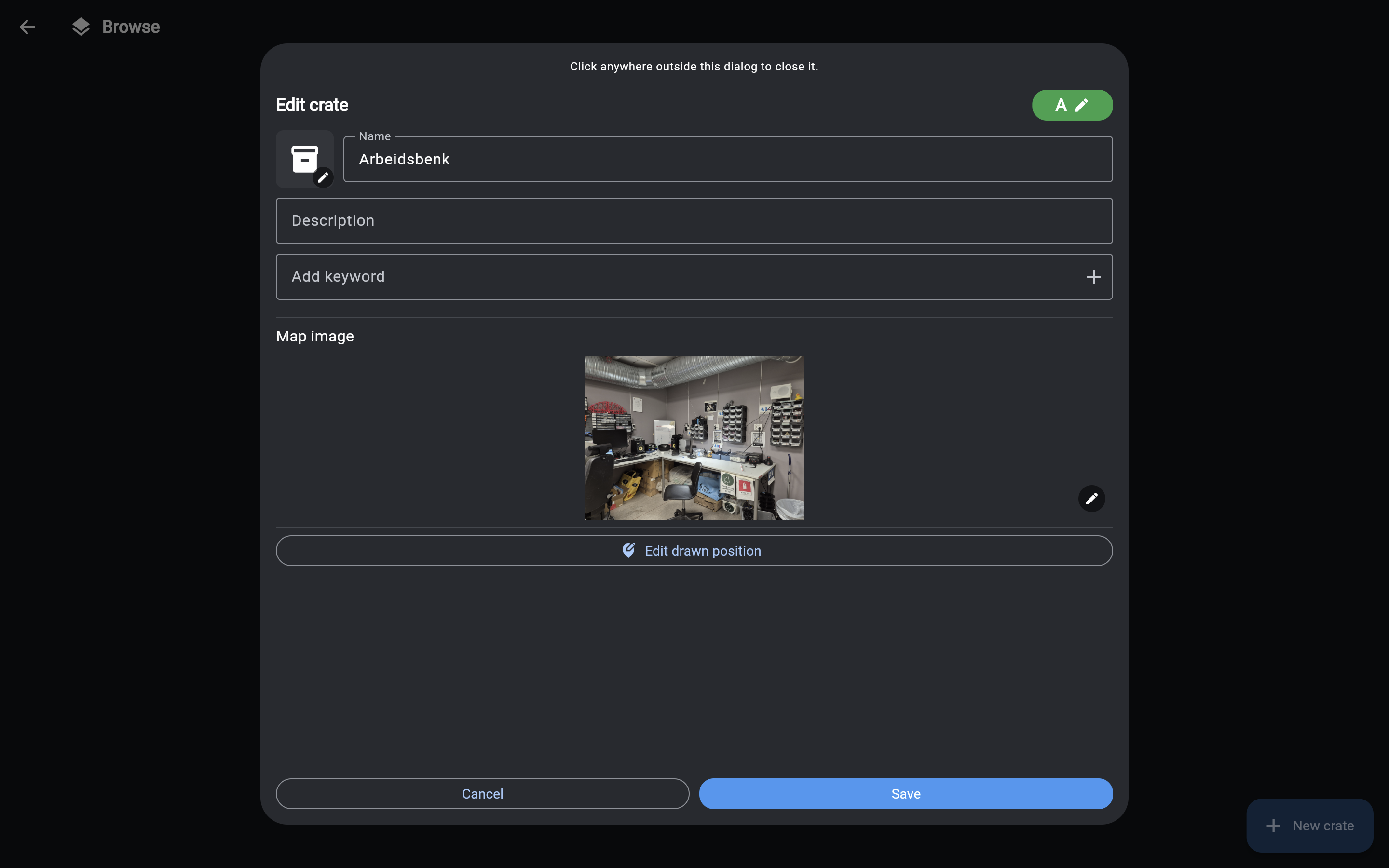
Editing a Crate
You can edit the details of any existing crate in your inventory.
(Don't have any crates yet? Check out the Creating a new crate guide first.)
How to edit a crate
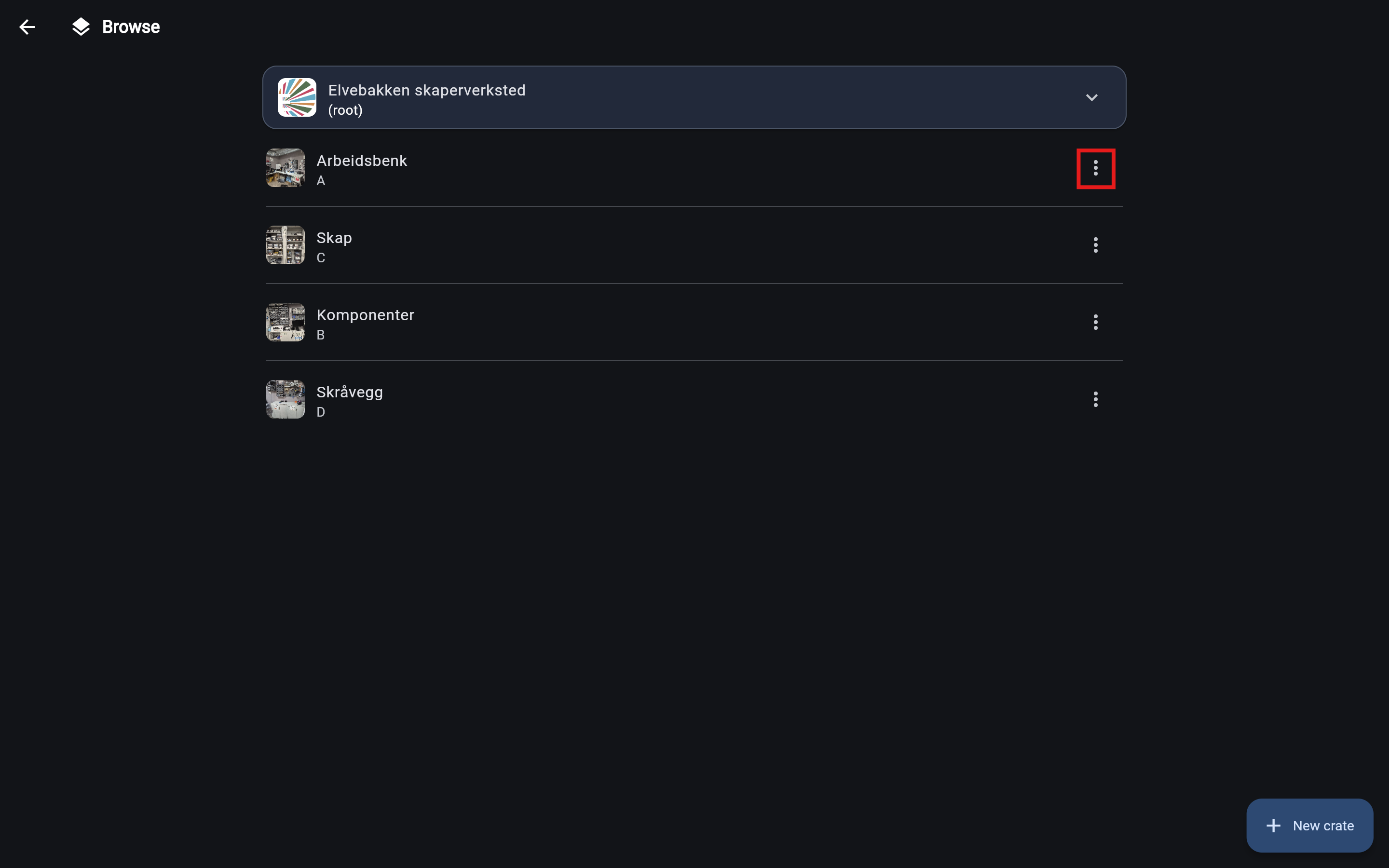
- Open the Browse page and navigate to the crate you want to edit.
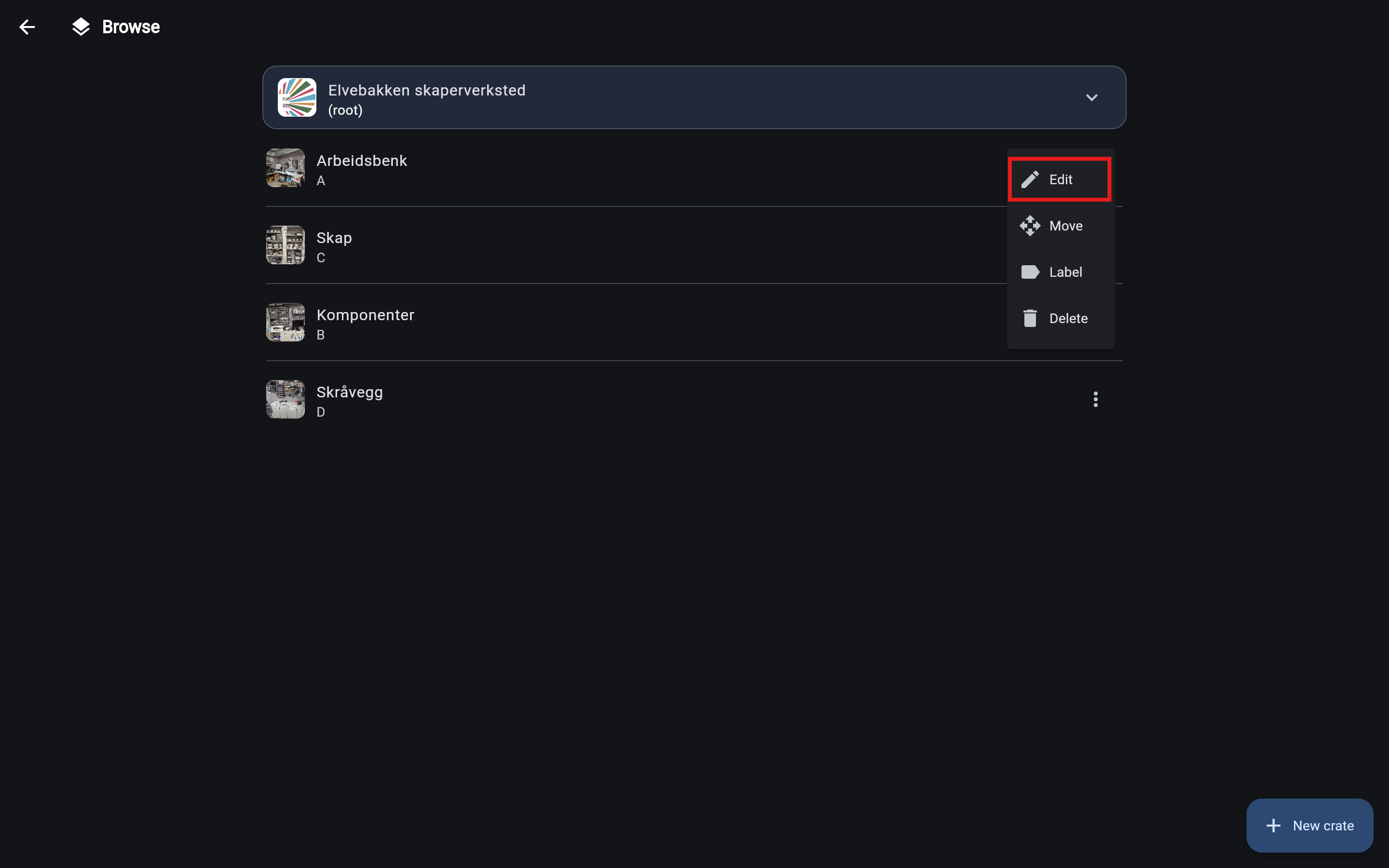
- Click the three dots to the right of the crate, then select Edit from the menu.
This will open the edit form. On mobile, this appears as a bottom sheet. On desktop, it opens in a modal window.
- Update the fields as needed (Name, Description, Keywords, etc.). Note that if you change the placement code, the system will automatically update the codes for any items stored inside it.
- Click Save when you are done.